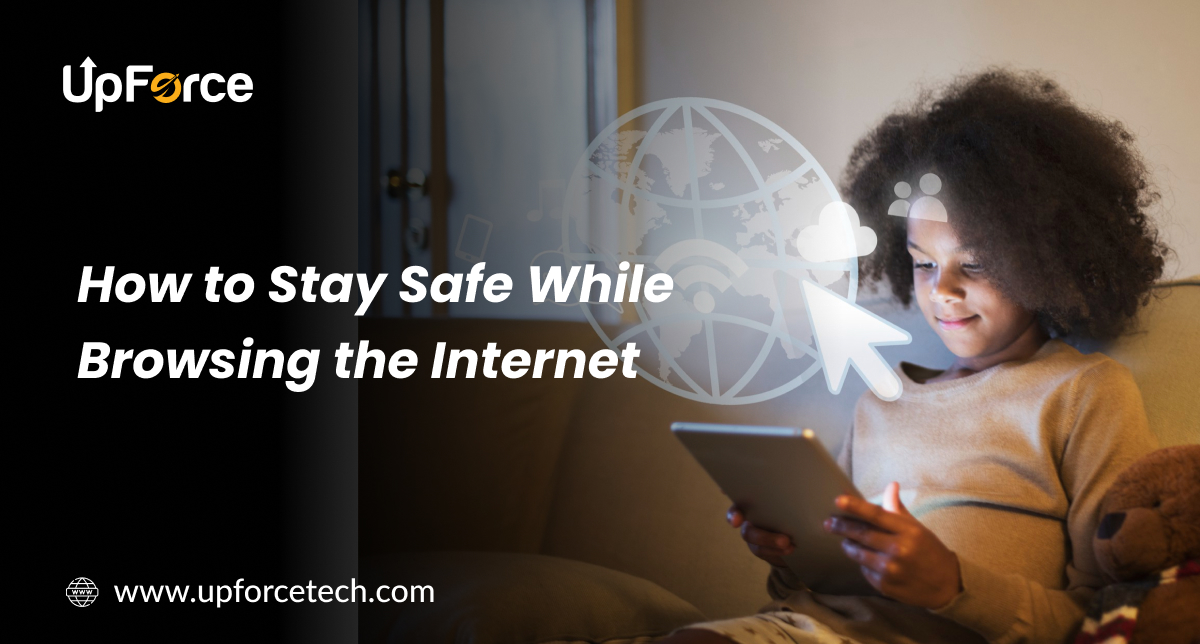
How to Stay Safe While Browsing the Internet
The internet connects us to everything, from shopping and social media to banking and learning. While it offers convenience, it also brings serious security risks. In 2025, online scams, data leaks, and fake websites have become more sophisticated than ever.
Introduction: The Internet is Powerful, But So Are Online Risks
The internet connects us to everything, from shopping and social media to banking and learning. While it offers convenience, it also brings serious security risks. In 2025, online scams, data leaks, and fake websites have become more sophisticated than ever.
Whether you’re on a phone, laptop, or tablet, protecting your data should be a top priority. Knowing how to stay safe while browsing the internet isn’t just smart, it’s essential.
This blog shares practical, beginner-friendly steps you can follow to browse safely and confidently.
Why Internet Safety Matters More Than Ever
In today’s world, nearly everything you do online, from logging in to clicking on links, leaves behind digital traces. Without proper precautions, this information can be misused.
- Keep your personal info private
- Avoid scams and fake websites
- Protect your money and identity
- Enjoy the web without fear
10 Simple Ways to Stay Safe While Browsing Online
1. Use Strong, Unique Passwords
Avoid using the same password for multiple accounts. Instead, create complex combinations of letters, numbers, and symbols.
Pro Tip: Use a password manager like Bitwarden or LastPass to store and generate secure passwords.
2. Enable Two-Factor Authentication (2FA)
Adding a second layer of security helps even if someone guesses your password. With 2FA, you’ll receive a code on your phone or email to confirm it’s really you logging in.
3. Double-Check Website URLs
Before entering personal information, always look at the URL.
Make sure it starts with “https://” and includes a small padlock icon in the browser bar. Be cautious of addresses with strange spellings or unusual domains.
4. Think Twice Before Clicking Unknown Links
Some links in emails, messages, or ads can lead to fake websites or malware.
If you’re unsure, don’t click. Instead, go directly to the official website through your browser.
5. Keep Your Browser and Devices Updated
Updates are more than just new features, they often include fixes for security holes.
It’s best to turn on automatic updates for your browser, operating system, and apps to stay protected without effort.
6. Use Trusted Antivirus and Anti-Malware Software
Protecting your device in real-time is a must.
A good security program helps detect threats early, block dangerous downloads, and prevent access to harmful websites.
7. Avoid Doing Sensitive Tasks on Public Wi-Fi
Public Wi-Fi is handy, but not secure. Never access your bank account or enter passwords over it.
If you must use public Wi-Fi, connect through a VPN (Virtual Private Network) for extra safety.
8. Be Mindful About What You Share on Social Media
Oversharing personal information can put you at risk.
Avoid posting real-time location updates, your birthday, address, or anything that could help someone guess your passwords.
9. Always Log Out After Use
Especially on shared or public devices, logging out helps protect your accounts from unauthorized access.
Make it a habit, just like locking your phone screen.
10. Learn to Recognize Online Scams
Scammers often pose as trustworthy sources and send fake emails or texts.
Watch for misspellings, urgent language, or strange email addresses. If something seems off, it probably is.
Quick Checklist for Safe Browsing
- Use strong, different passwords for every account
- Turn on 2FA wherever possible
- Check URLs before entering personal data
- Keep your browser and apps updated
- Install antivirus and anti-malware software
- Avoid logging into accounts on public Wi-Fi
- Think before you click links or download files
- Limit the personal details you post online
- Always log out when you’re done
- Be cautious of urgent messages or suspicious offers
Are you looking to Grow your business with skilled developers? Hire a contract developer today to bring fresh ideas and expertise to your team. Learn how UpforceTech can help!
“Staying safe online doesn’t take much, just a few smart habits that protect you every day.”
UpforceTech
FAQs
1. Why is internet safety important in 2025?
Because cyber threats are more advanced than ever. With so much of our lives online, shopping, banking, and socializing, taking steps to protect personal information is essential.
2. How do I know if a website is safe?
Check for “https://” at the beginning of the URL, look for the padlock icon in the address bar, and avoid sites with misspelled domain names or broken layouts.
3. Is it safe to use public Wi-Fi?
Only for basic browsing. Avoid logging into important accounts or entering payment information unless you’re using a VPN.
4. What is a VPN and should I use one?
A VPN (Virtual Private Network) protects your online activity by hiding your IP address and encrypting your data. It’s highly recommended, especially when using public or unsecured Wi-Fi.
5. Are all browser extensions safe to use?
No. Only install extensions from trusted sources like official browser stores. Always check reviews and permissions before installing.
7. What should I do if I think I clicked a bad link?
Immediately close the site, run a malware scan using your antivirus software, and change your passwords if you entered any information.