
Case study
Utility - Enterprise grade FTP server's Web Interface
An FTP server that non-technical people can actually use: browser file management, previews, and uploads that pause and resume.
- Industry
- Enterprise IT
- Year
- 2023
- Timeline
- About four months
- Services
- Front-end engineering, UI/UX design, Browser API integration
- Stack
- JavaScript (ES6), Tailwind CSS, HTML5
What changed
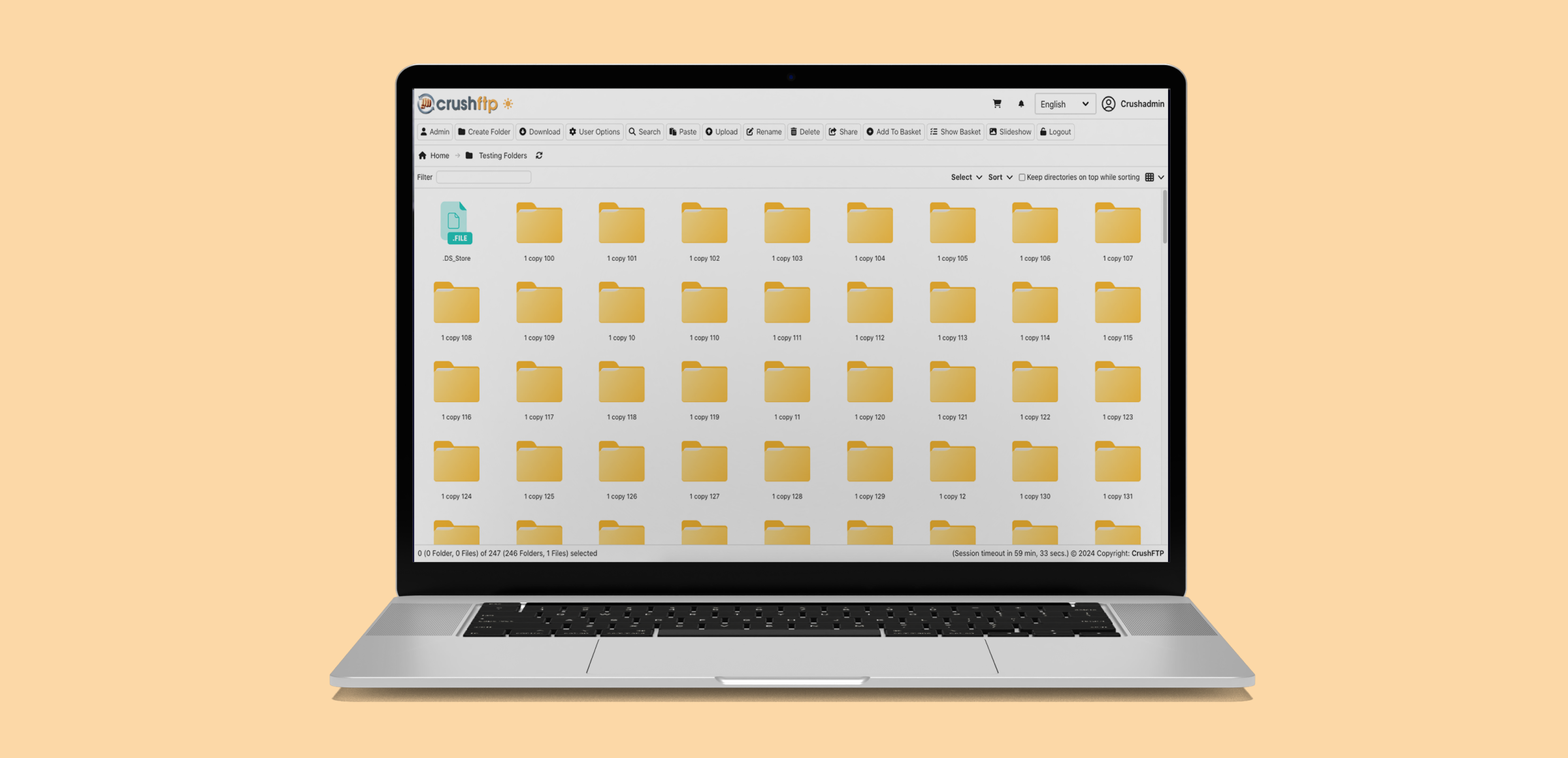
- File browsing, previews, image slideshows and audio and video playback in the browser
- Uploads that pause and resume, even after the browser tab is closed
- Keyword tagging on files so they turn up in later searches
Numbers available under NDA on request.
Enterprise FTP servers are powerful and, for most people, unpleasant to use. This project put a modern web interface on top of one, so that people who are not systems administrators can move and manage files without a desktop client or a cheat sheet.
Overview
The client sells an enterprise-grade FTP server. Its capabilities were not the issue. The issue was that day-to-day users found it hard to work with, which limited how widely it could be adopted inside the organisations that bought it.
We built the browser interface: file navigation, previews, media playback, and an uploader that behaves the way people expect a modern web app to behave.
The problem
Traditional FTP clients assume you know what you are doing. They expose connection settings, transfer modes and directory paths, and they treat a large upload as something you sit and watch. For a marketing manager who just needs to drop a set of video files somewhere, that is a wall.
There were also practical gaps: no way to preview a file without downloading it, and no way to add context to a file so it could be found again later.
Our approach
We designed the interface around the things people do most: find a file, look at it, upload something, come back to it later. Navigation is plain folders. Previews open in place, including image slideshows and audio and video playback, using modern browser features rather than plug-ins.
The uploader was the piece we spent the most care on. It supports pausing an in-progress upload and resuming it later, and it survives the tab being closed, so a slow transfer over a poor connection is no longer an afternoon spent babysitting a progress bar.
Built with plain ES6 and Tailwind, it stays fast and has few moving parts to maintain.
What we built
- A folder-based file browser with in-place previews for documents, images and media.
- Image slideshows and audio and video playback in the browser.
- An uploader with pause, resume and recovery after the tab closes.
- Keyword tagging on files, feeding into search so files can be located by context later.
The outcome
People who are not administrators can use the FTP server directly, which is what widens adoption inside a client’s organisation. Large uploads stopped being a chore, and files gained enough context to be findable weeks after they were added.